In Stock
TOP EDGE
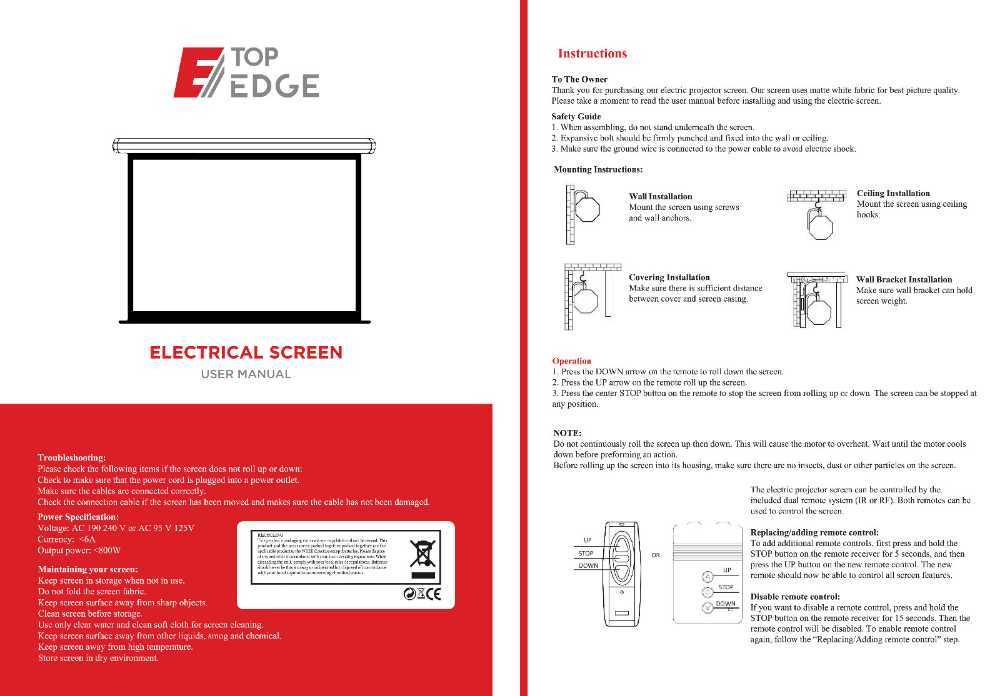
ELECTRICAL SCREEN
USER MANUAL
Operation
Troubleshooting:
Please check the following items if the screen does not roll up or down Check to make sure that the power cord is plugged into a power outlet.
Make sure the cables are connected correctly.
Check the connection cable if the sereen has been moved and makes sure the cable has not been damaged.
Power Specification:
Voltage: AC 190 240 V or AC 95 V 125V
Currency: BA
Output power: <800W
Maintaining your screen:
Keep screen in storage when not in use.
Do not fold the screen fabric
OECE
Keep screen surface away from sharp objects.
Clean screen before storage.
Use only clear water and clean soft cloth for screen cleaning.
Keep screen surface away from other liquids, smog and chemical
Keep screen away from high temperature.
Store screen in dry environment
Instructions
To The Owner
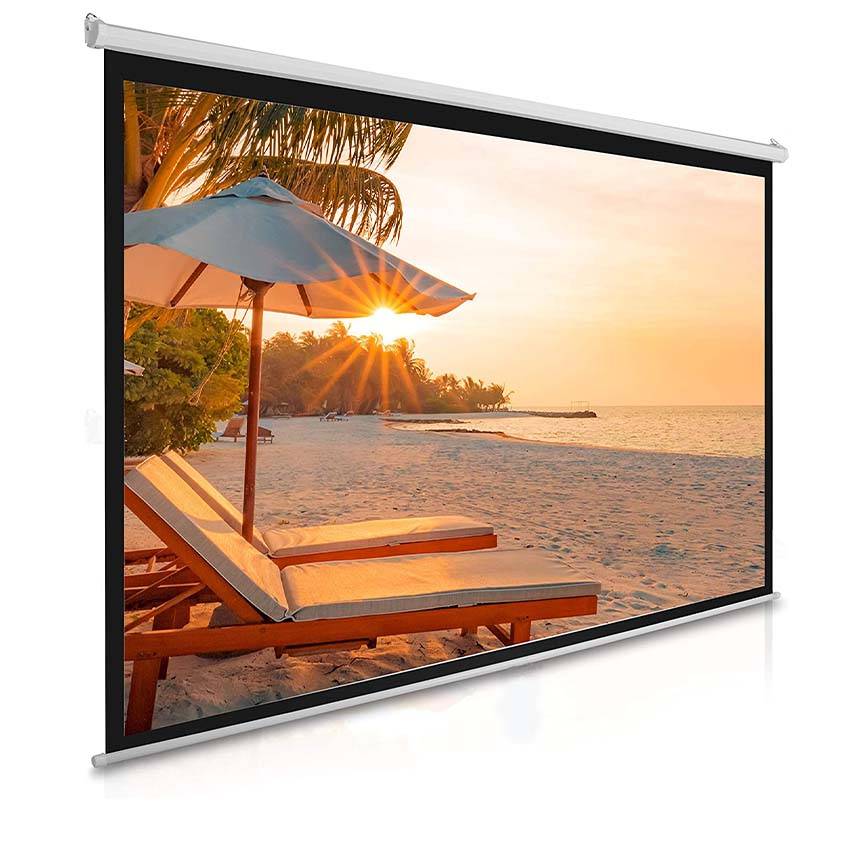
Thank you for purchasing our electric projector screen. Our screen uses matte white fabric for best picture quality. Please take a moment to read the user manual before installing and using the electric screen.
Safety Guide
1. When assembling, do not stand underneath the screen.
2. Expansive bolt should be firmly punched and fixed into the wall or ceiling.
3. Make sure the ground wire is connected to the power cable to avoid electric shock
Mounting Instructions:
Wall Installation
Mount the screen using screws and wall anchors
Ceiling Installation
Mount the screen using ceiling, hooks.
Covering Installation
Make sure there is sufficient distance between cover and screen casing.
Wall Bracket Installation
Make sure wall bracket can hold screen weight
1. Press the DOWN arrow on the remote to roll down the screen.
2. Press the IP arrow on the remote roll up the screen.
3. Press the center STOP button on the remote to stop the screen from rolling up or down. The screen can be stopped at any position.
NOTE:
Do not continuously roll the screen up then down. This will cause the motor to overheat. Wait until the motor cools down before prefortning an action.
Before rolling up the screen inte its housing, make sure there are no insects, dust or other partieles on the sereen.
The electric projector screen can be controlled by the included dual remote system (IR or RF). Both remotes can be used to control the screen.
Replacing/adding remote control: To add additional remote controls, first press and hold the
STOP DOWN
STOP button on the remote receiver for 5 seconds, and then pross the UP bution on the new remote control. The new remote should now be able to control all screen features
Disable remote control:
DOW If you want to disable a remote commol, press and hold the STOP bution on the remote receiver for 15 seconds. Then the remote control will be disabled. To enable remote control again, follow the "Replacing/Adding remote control" step.