In Stock
SPECIFICATION
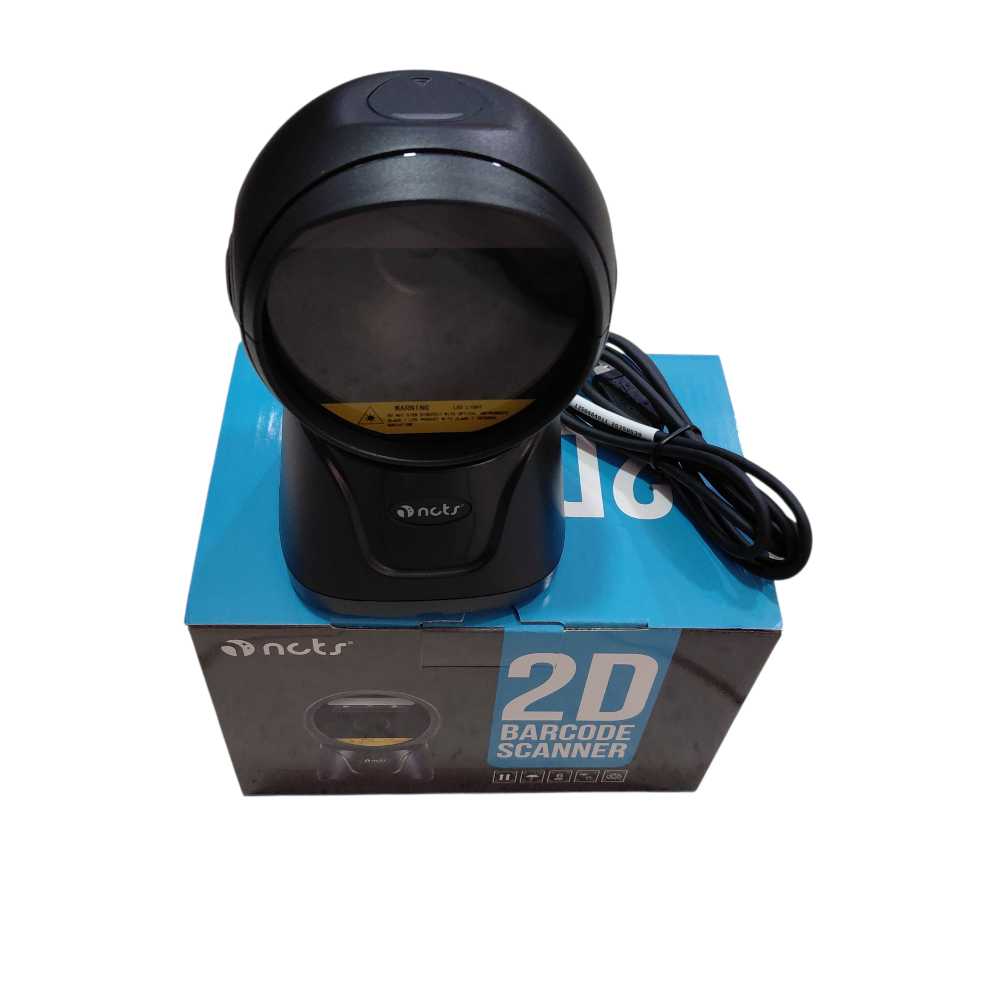
INTERFACE SUPPORTED:
RS232/USB HID
KEYBOARD/USB VCP
SENSOR RESOLUTION:
640 480
DIMENSIONS SCANNER:
100mm 94mm 152mm
INPUT VOLTAGE:
DC 5V 土10%
WEIGHT SCANNER:
265g
CURRENT MAX:
335MA
INDICATOR BEEPER:
LED
IMAGE SENSOR:
CMOS Array Sensor
Scanner Overview
Lights Indicator Explanatior
LED Indicato
Data Cable
(non-detachable)
Lamp
Scanning Window
Blue light blinkin
Decoding Successfully
Buzzer
BUzzer
Explanation
Beep Indication
One Beep
Decoding Successfully
Three Beep
Power on
LED Indicator
Note: Product aporarance depends on good
Note: Podeet apoearance Cependi en foodr
Methods
Maintenance
Problems and Solutions
Problem
Possible Sofutions
Doa'twork
Disconnect the power
adapterand reconnect
Barcodeis
Check the
decoded, but not. parameters[Waves)ofthe
trarsmited ta
scanner and apphication.
the host
Unable to decode1Please reler to this book if
bar rode.
the code reading method is
wron Cotrect code reading
in the manua)
Whether the bar code Is
iet to be readable,
Whetherthe bar codeis
damaged. if the bat code is
damaged Worse thanthe
scanneritself Reading
ability,bartode,r.pot
The reading window must be kept clean
and free from warranty liability for damage
caused by improper maintenance
Avoid hard and rough objects to wear or
scratch the reading window
Do not scan the bar code of the manual at
will, otherwise the scanner may not be able
to scan.
Scanning methods:
1Make sure all connection lines are securely
connected
• Please use a soft cloth to clean the window.
Examples include glasses cleaning cloth and
lens cleaning cloth.
2 Move the bar code toward the scan window
3 Display the bar code anywhere within the eflective
area of the scanner
Aherthe.decod
SSAnner.will