In Stock
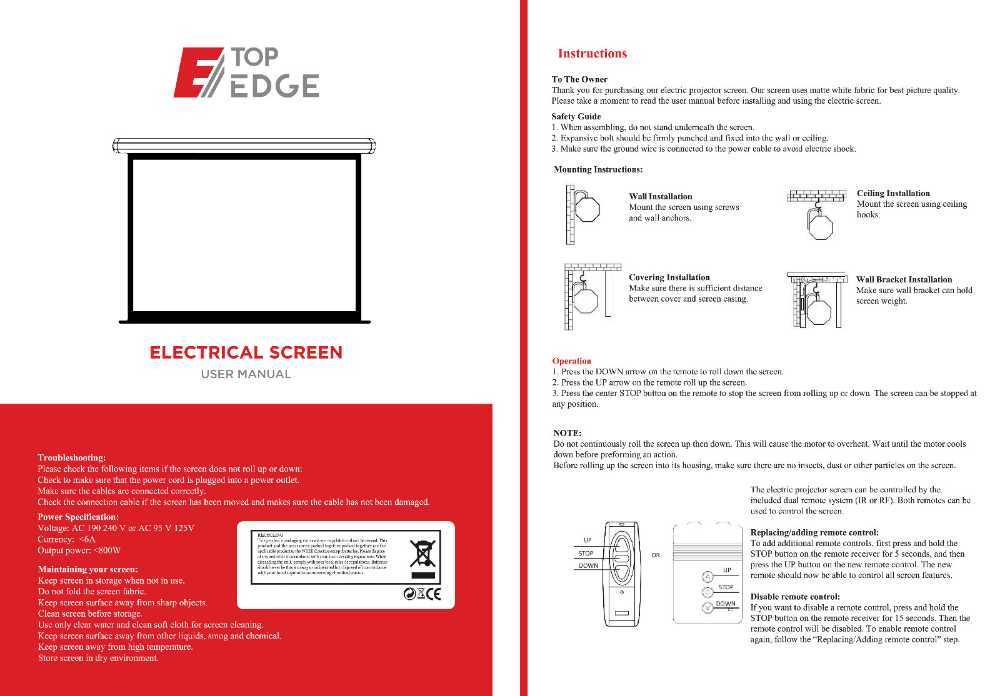
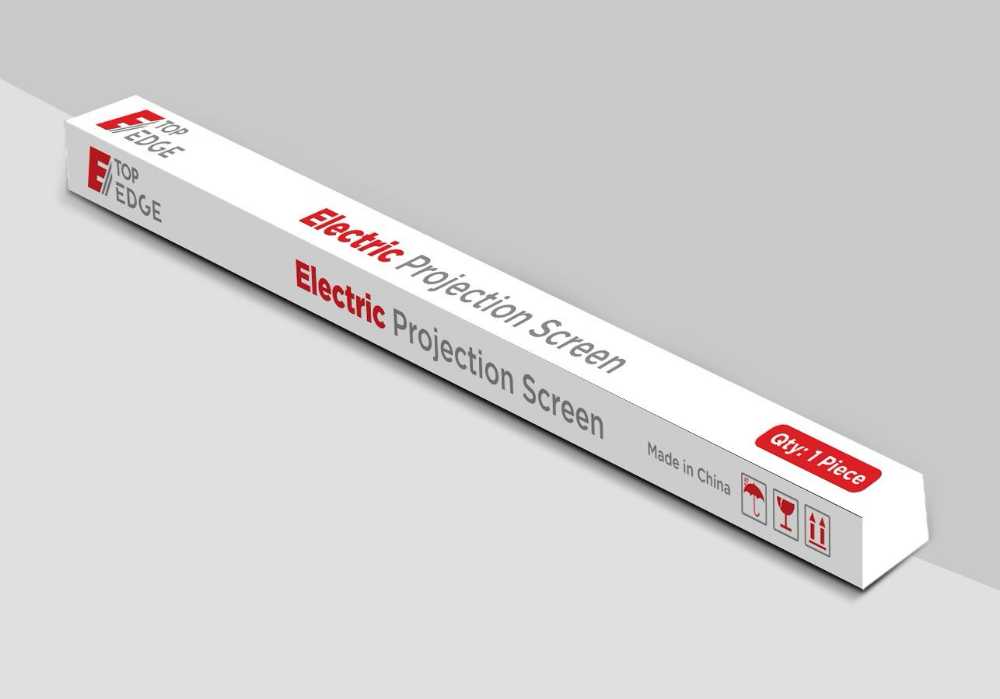
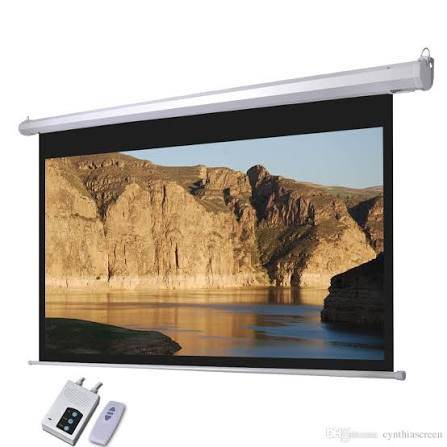
To use the "TOP EDGE ELECTRICAL SCREEN," press the DOWN arrow on the remote to lower it, the UP arrow to raise it, and the center STOP button to pause it at any position. To troubleshoot if the screen isn't moving, check that the power cord is plugged in, all cables are properly connected and undamaged, and the connection cable is secure. For safe operation and maintenance, never stand under the screen during assembly, ensure it's mounted securely, and keep the screen fabric clean and dry.
Operation
Lower Screen: Press the DOWN arrow on the remote control.
Raise Screen: Press the UP arrow on the remote control.
Stop Screen: Press the center STOP button on the remote to stop the screen from moving at any point.
Troubleshooting
No Movement: If the screen doesn't roll up or down, first ensure the power cord is plugged into a working power outlet.
Cables: Verify that all cables are connected correctly and that the connection cable is secure and not damaged.
Safety & Maintenance
Assembly: Do not stand underneath the screen while assembling it.
Mounting: Securely fix the screen to the wall or ceiling using appropriate hardware.
Power Safety: Make sure the ground wire is connected to the power cable to prevent electrical shock.
Fabric Care: Do not fold the screen fabric. Clean the screen surface with only clear water and a clean, soft cloth.
Environment: Keep the screen away from sharp objects, other liquids, smog, chemicals, and high temperatures.
Storage: Store the screen in a dry environment when not in use.
Motor Overheating: Avoid continuously rolling the screen up and down, as this can overheat the motor; allow the motor to cool down before operating it again.